
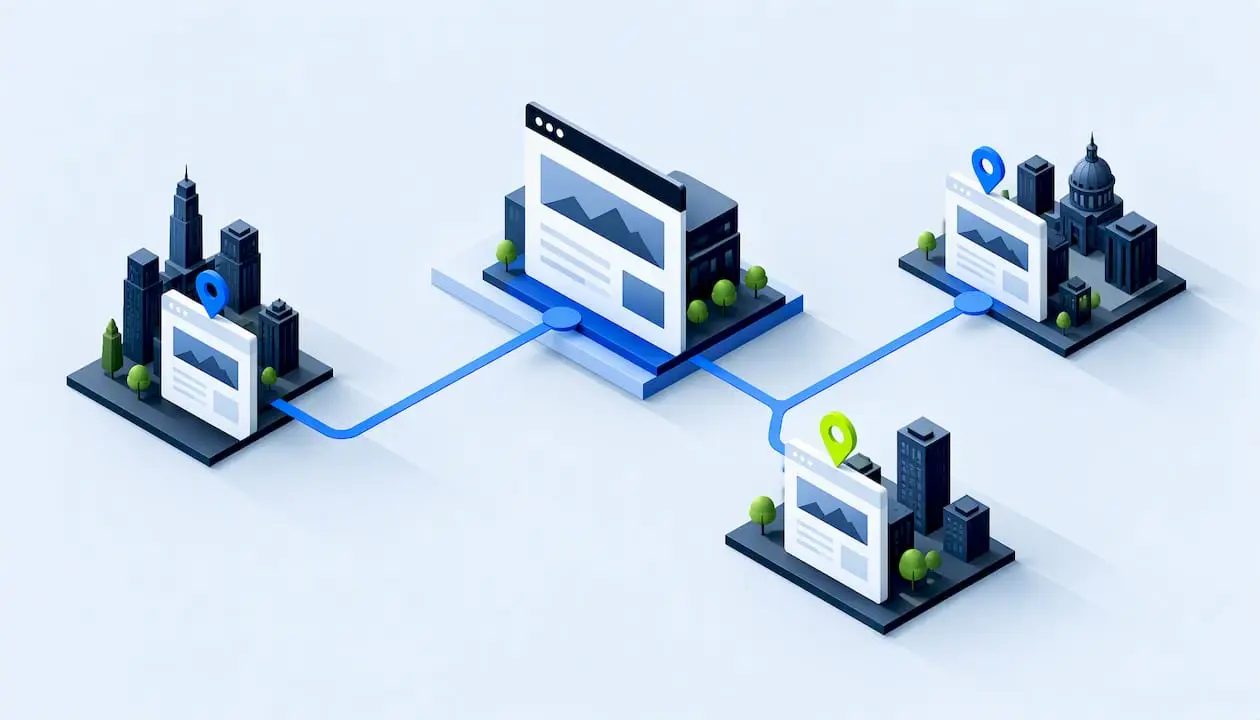
A service area page is a page on your website that targets one city, town or region where you serve customers, even if you have no office there. It works when it shows how you actually serve that place. It fails when it is the same page with a different city name dropped in. This guide covers which cities deserve a page, what each page needs, how to keep pages clear of Google’s spam policies, and how to measure the result.
TL;DR
- A service area page represents the places you travel to or deliver to. A location page represents a physical storefront or office.
- Build pages only for markets where you have real substance: staff, projects, logistics, local rules or customers. Search volume alone is not enough.
- Each page needs local proof, such as real projects, reviews, photos, local questions answered and clear contact options. Swapping city names does not count.
- Pages made mainly to manipulate rankings or funnel users to one destination can fall under Google’s doorway and scaled content spam policies.
- Link the pages from your site, pair them with one Google Business Profile, and track each city on its own.
Table of Contents
- What a service area page is
- Which cities deserve a page
- What a strong service area page includes
- Avoiding thin, duplicate and doorway pages
- Linking, indexing and measuring
- Pair your pages with one Business Profile
- Our perspective
- Getting help with your pages
- A step-by-step plan
- FAQ
- Sources
What a service area page is
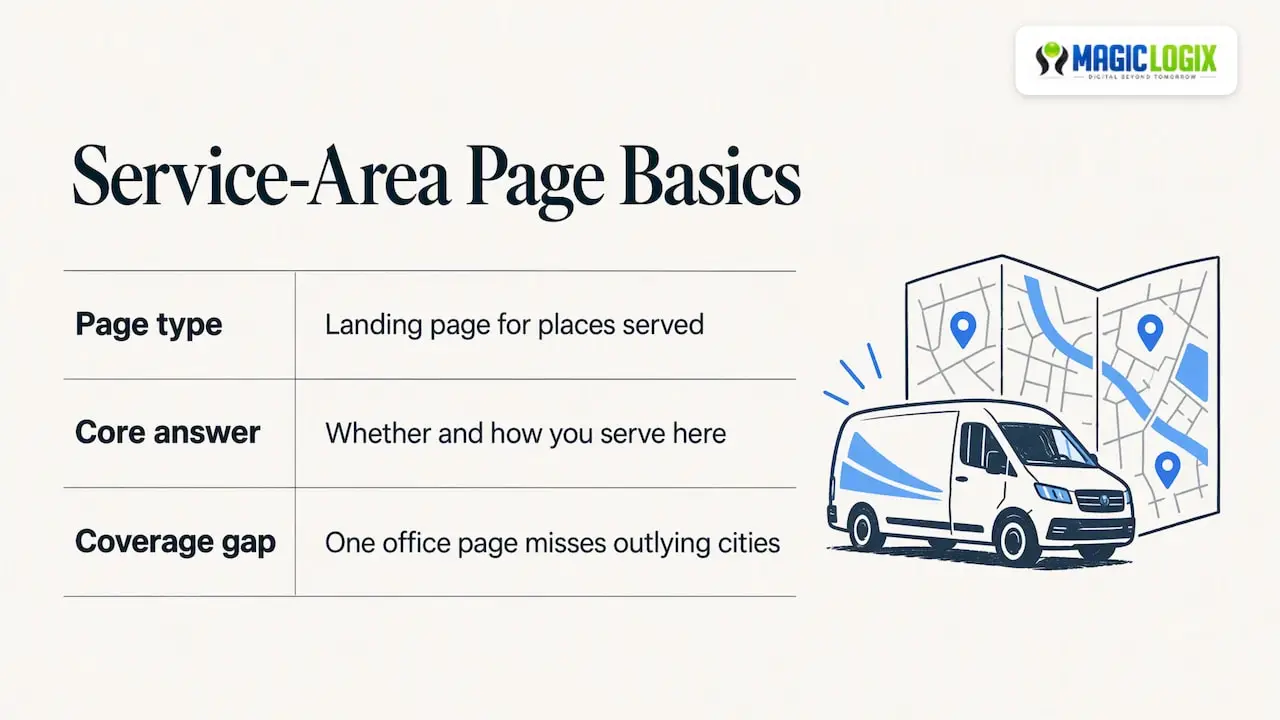
Search Engine Land’s local SEO guide describes service-area pages as website landing pages that promote locations a business travels to. Some people call them city pages, areas-served pages or local landing pages. The terms overlap, and the idea is the same: one page, one place, one clear answer to “do you serve me here, and how?”
A plumber who works across a metro area is the classic case. So are HVAC companies, roofers, mobile groomers, home cleaners, electricians and mobile IT support. Many professional and B2B firms use them too: an agency, accountant or law practice serving clients across several metro areas can use the same approach.
The page exists because one office page rarely covers every outlying city a business serves. A dedicated page gives a searcher in a nearby town something that speaks to their situation, and gives search engines a clear signal about where you work.
Service area page vs. location page vs. Google Business Profile
These three get mixed up constantly. They do different jobs.
| Service area page | Location page | Google Business Profile service area | |
|---|---|---|---|
| Lives on | Your website | Your website | Google Maps and Search |
| Represents | A place you travel to or deliver to | A physical storefront or office | The area your business covers |
| Typical content | Local services, projects, FAQs, proof, contact options | Address, hours, directions, staff, photos | Cities, postal codes or other areas |
| Best for | Organic rankings in towns you serve | Customers who visit you in person | Map and local pack visibility |
Search Engine Land makes the same distinction: service-area pages represent customers’ locations, while conventional location pages represent physical storefronts. Another Search Engine Land piece frames the relationship well: service pages explain what you offer, while location pages explain where and how the service is delivered. The two should support each other, not repeat each other.
The Business Profile is a separate asset. Google says a service-area business visits or delivers to customers but does not serve them at its business address. Such a business can list service areas by city, postal code or other areas, with up to 20 areas, and can have one profile for the whole area it serves. Your website pages can go much deeper than 20 places, but only where you can earn each one.
Which cities deserve a page
The temptation is to list every town within 50 miles and publish them all in an afternoon. Resist it. Search Engine Land’s multi-location guidance says to build pages for markets with real business relevance, such as dedicated staff, distinct logistics, local regulations or substantial project experience. Search volume alone is not a reason.
A practical way to decide is a simple scorecard. Give a city one point for each “yes”:
- You have completed real jobs or projects there.
- You have customers there who could leave a review or allow a photo.
- Local rules, permits, climate, building types or industries change how you work there.
- You have staff, a depot or a partner nearby, or a clearly different travel setup.
- People there ask questions that differ from your main market’s.
- The city has enough demand to justify the upkeep of the page.
Cities scoring four or more get their own page. Cities scoring two or three can be grouped on a regional page that names them honestly. Cities scoring zero or one wait until you have something real to say.
Start small. Five strong pages beat fifty thin ones, and you can expand as you gather proof. Pages are cheap to publish and expensive to maintain, so build only the number you can keep accurate.
What a strong service area page includes
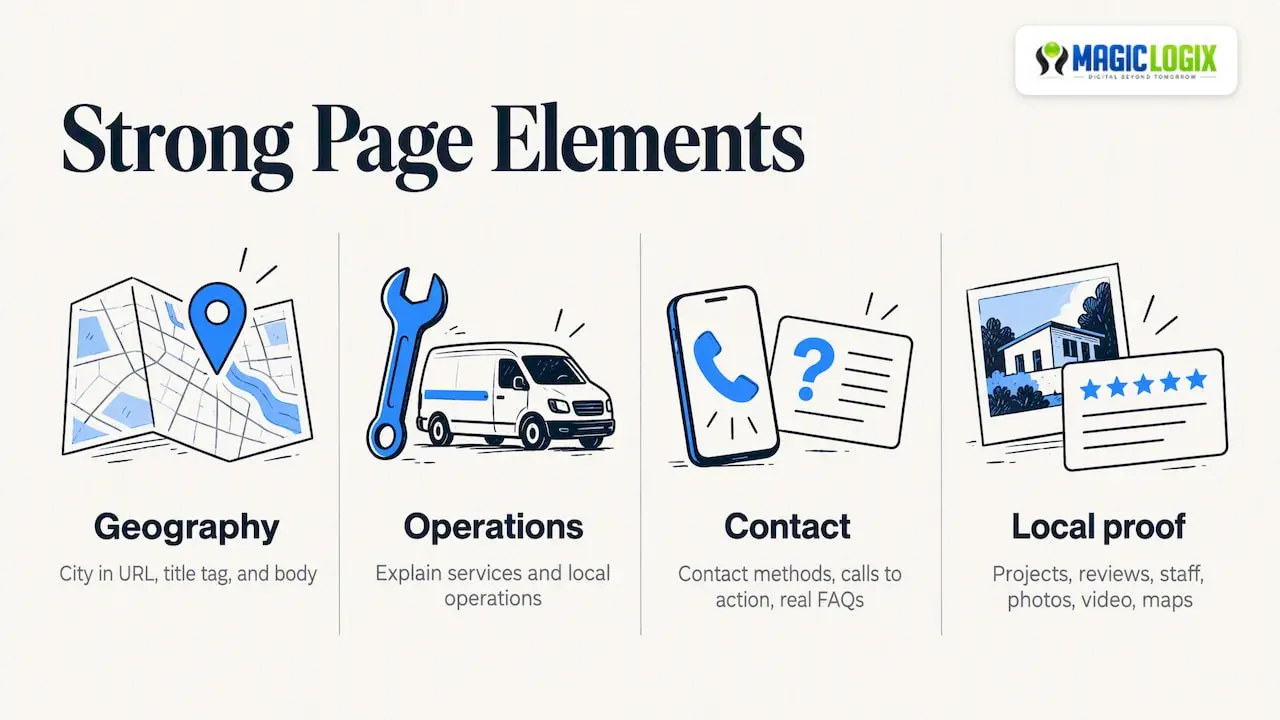
Search Engine Land’s guide lists the elements of a useful page: the city named clearly, an explanation of services and local operations, contact methods and calls to action, real FAQs, and evidence such as local projects, reviews, staff, photos, video and maps. It also recommends putting the city in the URL, title tag and body copy so users and search engines understand geographic relevance.
Here is that turned into a build checklist.
Page elements
- URL, title tag and H1 that name the service and the city, in plain wording a person would use.
- An opening paragraph that says what you do for customers in that city and how to reach you.
- How you serve the area: travel times, scheduling windows, delivery details or remote options. Say only what is true.
- Local problems and how you solve them. Think seasonal weather, local codes, common building types or regional industries.
- Proof from that city: project summaries, before-and-after photos, customer reviews you have permission to use, and named neighborhoods you have worked in.
- Local FAQs drawn from real calls and emails.
- Clear contact options: phone, form, booking link. Use a local number only if you actually answer it.
- Links to the related service page and to nearby city pages where it makes sense.
An illustrative outline
The example below is hypothetical, to show structure. It is not a client result.
Imagine a roofing company serving a metro area from one office. Its page for a suburb might open with the service and city, then explain that homes there are mostly 1990s builds with a particular roofing style. It could then show three completed jobs with photos, answer a question about local permit requirements, list the neighborhoods it covers, and end with a quote request form. Every block is specific to that suburb. Remove the suburb’s name and the page would stop making sense, which is exactly the test to apply.
Keep it scannable
Most visitors arrive on a phone, often in a hurry. Use short paragraphs, descriptive subheadings, bullets for lists of services or neighborhoods, and a call to action that stays reachable without much scrolling. Put your phone number and form near the top, not just at the bottom.
Avoiding thin, duplicate and doorway pages
This is where most city page programs go wrong. Google’s spam policies describe doorway abuse as substantially similar pages that funnel users to one destination, and scaled content abuse as producing many unoriginal pages primarily to manipulate rankings. The dividing line is purpose and user value. A page that helps someone in a specific city is fine. A page that exists only to catch a search term is a risk.
Search Engine Land’s reporting adds nuance: duplicate wording alone is not necessarily a ranking penalty, but generic repetition is less effective in competitive markets, where real local value is needed. So the practical risk is twofold: possible policy trouble at the extreme, and weak performance everywhere else.
A quick self-audit
For each page, ask:
- Would a customer in this city learn something they could not learn from the page for the next city?
- Does the page contain at least one element that exists only because of this place, such as a project, a review, a local rule or a photo?
- Does the page lead to a real service we provide there, and not just to a generic form?
- Could we defend this page if a Google reviewer asked why it exists?
If the answer to any is no, add substance, merge the page into a regional page, or remove it. Do not automate page creation with a template and a spreadsheet of city names and then publish everything unedited. A template is fine for structure. The content inside it has to be original for each place.
Linking, indexing and measuring
Pages nobody can find do not rank. Search Engine Land recommends linking service-area pages from navigation, service pages, blog content and the About page, and optionally including them in an HTML sitemap. Keep the links as normal crawlable links, since Google’s Search Essentials call for helpful, people-first content and crawlable links. The same document makes clear that following best practices does not guarantee crawling, indexing or ranking, so treat any promise of guaranteed placement with suspicion.
Site structure that works
- Create one “Areas we serve” hub page listing every city page, grouped by region.
- Link the hub from your main navigation or footer.
- From each service page, link to the city pages where that service is delivered.
- Link neighboring city pages to each other where the connection is natural.
- Mention city pages in blog posts about local projects or local rules.
If you manage many locations and need a template approach without page sprawl, our article on local SEO for multi-location brands covers how to build repeatable structures that still leave room for local content.
What to measure
Track each page on its own, not just the group. Useful measures:
- Impressions and clicks for the page in Google Search Console, filtered by page.
- Queries that include the city or nearby neighborhoods.
- Conversions: calls, form submissions and booking clicks, tagged by page.
- Lead quality: are inquiries from the right area and the right type of job?
- Engagement: bounce and scroll behavior, and whether visitors continue to the service page.
Review quarterly. Search Engine Land’s guide also advises auditing contact details and hours, refreshing living content, and using analytics to identify high- and low-performing cities. Improve the weak pages with fresh proof, or consolidate them. Double down on cities where leads convert.
Set your own baseline before you publish. A realistic target is stated per page in advance, for example “qualified inquiries from this city within two quarters.” Treat results as your own measurement, not a promise, because rankings depend on competition, your site and factors no one controls.
Pair your pages with one Business Profile
City pages work best next to a well-managed Google Business Profile. Google’s guidance says a service business should create only one profile for the metropolitan area it serves, and that multiple profiles for the same business in the same metro area may lead to suspension. A business without a customer-facing storefront must hide its address and use service-area information instead.
In practice that means:
- One profile, with your service areas set to match the cities you truly cover.
- Address hidden if customers do not visit you there.
- Website link pointing to the page that best matches the profile, usually your homepage or main service page.
- Consistent name, phone number and hours between the profile and your site.
For more on winning map visibility, see our guide to Google Map SEO services and our list of local SEO best practices.
Our perspective
Most businesses we talk to treat city pages as a volume play. Publish fifty, hope a few stick. We see it the other way around. A service area page is a small piece of evidence that you really work in a place, and the evidence has to be real.
That is why we start with the business, not the keyword list. Where do your best customers come from? Which jobs, which neighborhoods, which questions come up again and again? The answers become the content. Then we connect those pages to your service pages, your Business Profile and your analytics, so you can see which cities earn their keep.
Search is also changing. Answer engines and AI-generated summaries pull from pages that state clearly who does what, where. Clear, specific, well-structured local pages serve both traditional results and those newer surfaces, though no one can promise a citation or a ranking. Our approach to AI Overviews optimization follows the same principle: be useful and specific first.
That is what “Digital Beyond Tomorrow” means for local visibility at Magic Logix: building pages and systems that hold up as search evolves.
Hassan Bawab
Getting help with your pages
If you would rather not build this alone, our team at Magic Logix can help plan which cities earn a page, write and structure the content, and connect it to your wider search plan. Explore our SEO services or our broader Search & AI Visibility work, or tell us about your service area and we will talk through options with no obligation.
If your pages also need a site that loads fast and converts, our website design and development team builds the structure that these pages sit in.
A step-by-step plan
- List your real markets. Pull a year of jobs or customers by city.
- Score each city with the six-point scorecard above.
- Pick a first batch of three to five cities with the strongest evidence.
- Collect local proof: photos, project notes, review permissions, common questions.
- Write each page from scratch around that proof, using the checklist.
- Publish the hub page and add internal links from service pages.
- Align your Business Profile service areas and address settings.
- Measure for a full quarter, then expand, merge or remove pages based on data.
If you are choosing an outside partner for this work, our guide on how to choose an SEO company lists the questions worth asking.
FAQ
How many service area pages should I create?
Only as many as you can fill with real, distinct content and keep current. For many businesses that starts at three to five pages for the strongest markets. Add more as you gather local projects, reviews and questions for each new city.
Are service area pages considered doorway pages?
Not by default. Google’s spam policies target substantially similar pages that funnel users to one destination, or many unoriginal pages made mainly to manipulate rankings. Pages that give people in a specific city genuinely useful, original information serve a clear purpose and are a normal part of local SEO.
Do I need a physical address in every city?
No. Service area pages represent the places you travel to, so a storefront is not required. Be honest on the page about how you serve the city, and keep your Google Business Profile address hidden if customers do not visit you there.
Can I use the same text on every city page and change the city name?
It is a poor idea. Duplicate wording is not automatically penalized, but generic repetition performs worse in competitive markets and can drift toward the scaled, unoriginal content Google warns against. Add local projects, photos, reviews, questions and logistics to each page.
Where should service area pages sit on my site?
Use a clear URL structure, such as a folder for the service and a page for each city, and link every page from an areas-served hub. Also link from relevant service pages and posts so visitors and search engines can reach each page through normal links.
Sources
- Manage your service areas for service-area and hybrid businesses (Google Business Profile Help)
- Sign up for Business Profile (Google Business Profile Help)
- Service Area Pages: Boost Local SEO Across Locations (Search Engine Land)
- Multi-location SEO: How to structure geographic pages (Search Engine Land)
- Localized SERPs: Winning traffic and leads with service area pages (Search Engine Land)
- Spam Policies for Google Web Search (Google Search Central)
- Google Search Essentials (Google Search Central)